
12.1How do I create my account?
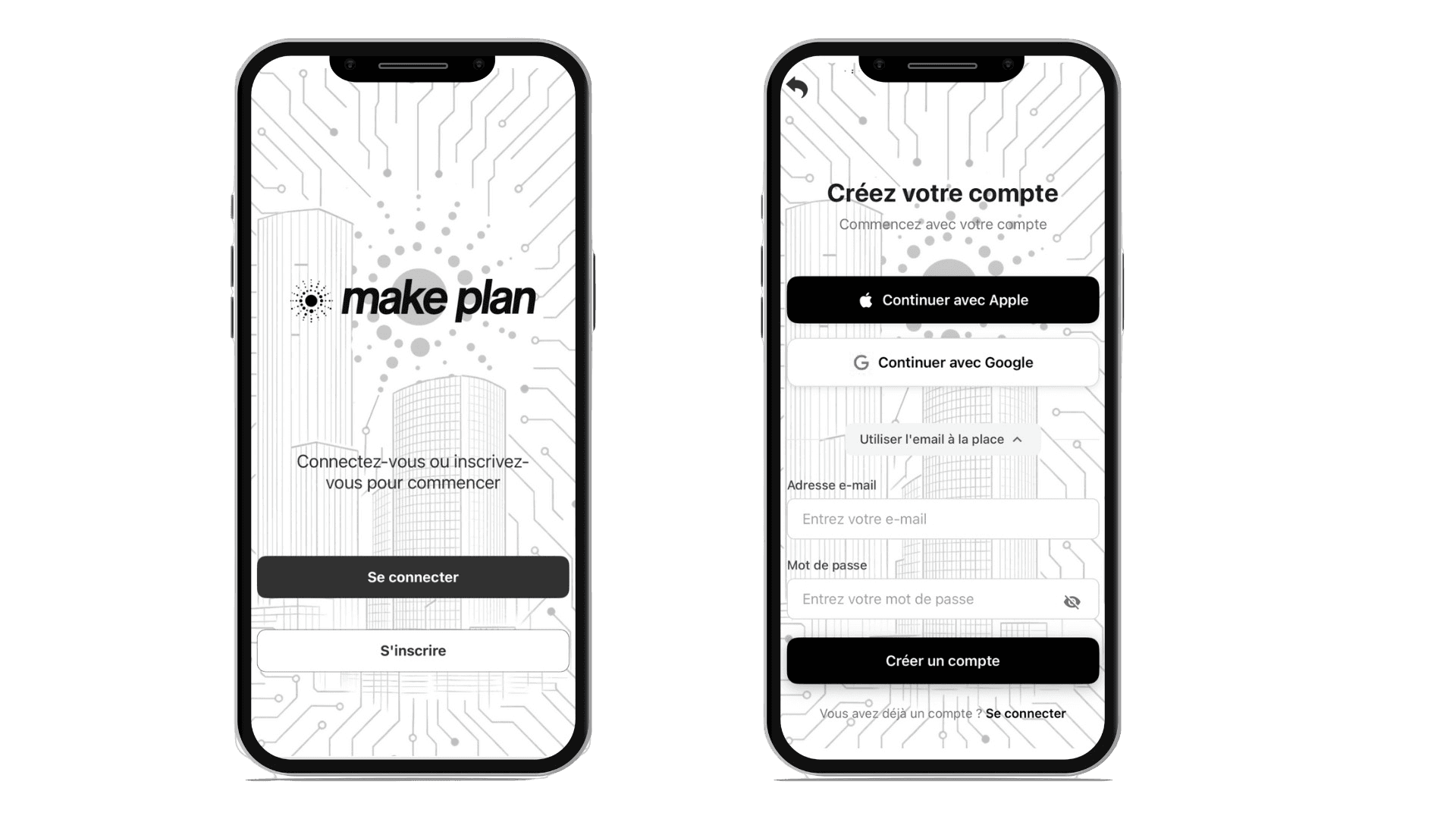
- Download Make Plan from the App Store or Google Play, then open the app.
- On the welcome screen, choose Sign up.
- Continue with your Apple or Google account, or choose Use email instead.
- In that case, fill in your username, email and a password.
Verify your email address
A six-digit code is sent to the address you entered. Open the email, type the code into the app, then tap Confirm. The message "Registration successful" confirms the account has been created.
If the code is slow to arrive, a link lets you resend it after a few seconds.
Updated on July 25, 2026