
10.1Which export format should I choose?
The Export button, at the top right of the plan, gives access to every deliverable. The right format depends on who receives the file.
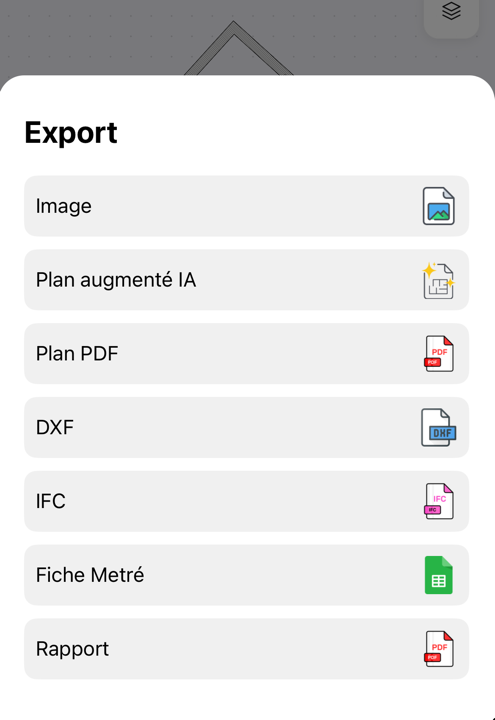
| Format | What you get | Typical recipient |
|---|---|---|
| Image | The plan as a picture | Quick sharing, property listing |
| PDF plan | The plan as a PDF | Client, sales pack |
| Styled plan | The plan laid out, with a title block showing project, building, level and address | Polished client deliverable |
| DXF | Vector drawing file | CAD software |
| IFC | Digital model | BIM interoperability, engineering firms |
| Measurement sheet | Table of dimensions and quantities | Quantity take-off, contractor tender |
| Report | Illustrated PDF of the plan and its specifications | Complete pack |
For details of the quantities table, see reading the measurement sheet.
Updated on July 25, 2026