
6.5How do I correct the orientation of a door or window?
A scan detects which way a door opens, but not always correctly: a door opening outwards or blocked by a wall sometimes comes out reversed. Fixing it takes two seconds.
Select the element
Tap the door or window on the 2D plan. The element highlights and the options bar appears at the bottom of the screen.
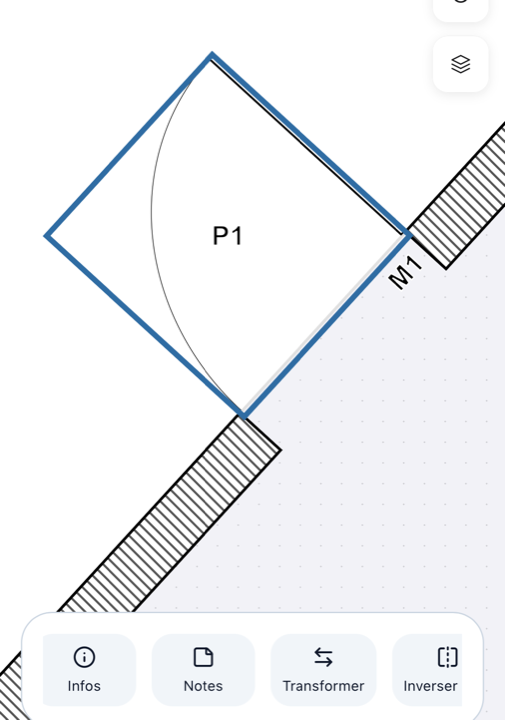
Flip the swing
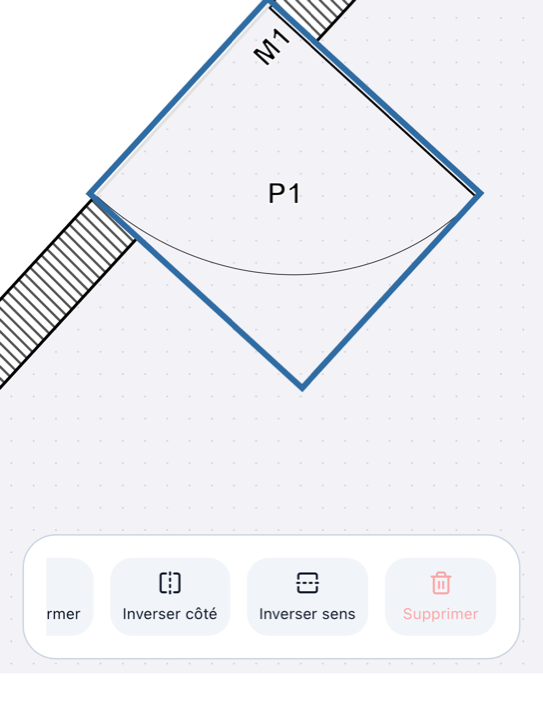
Scroll the bar to reach the two mirror commands:
- Flip side — the door opens on the other side of the wall (inwards instead of outwards);
- Flip direction — the hinge moves to the other jamb, so the door pivots from the opposite edge.
Combined, these two commands cover all four possible configurations.
Orientation affects the 3D render and the styled plan handed to the client: it is worth getting right. Dimensions are corrected from the same bar, under Info.
Updated on July 24, 2026